
AIOS + SIMPRO
SCALE YOUR OPERATION WITHOUT ADDING HEADCOUNT
Connect AIOS to your Simpro instance and deploy digital workers that manage jobs, schedules, quotes, invoices, asset records and field operations — 24/7. Increase throughput, improve accuracy, and streamline admin-heavy workflows across your service business.
 Works across UI like a human
 600+ app connections
 Cyber Essentials
 Human-in-the-loop


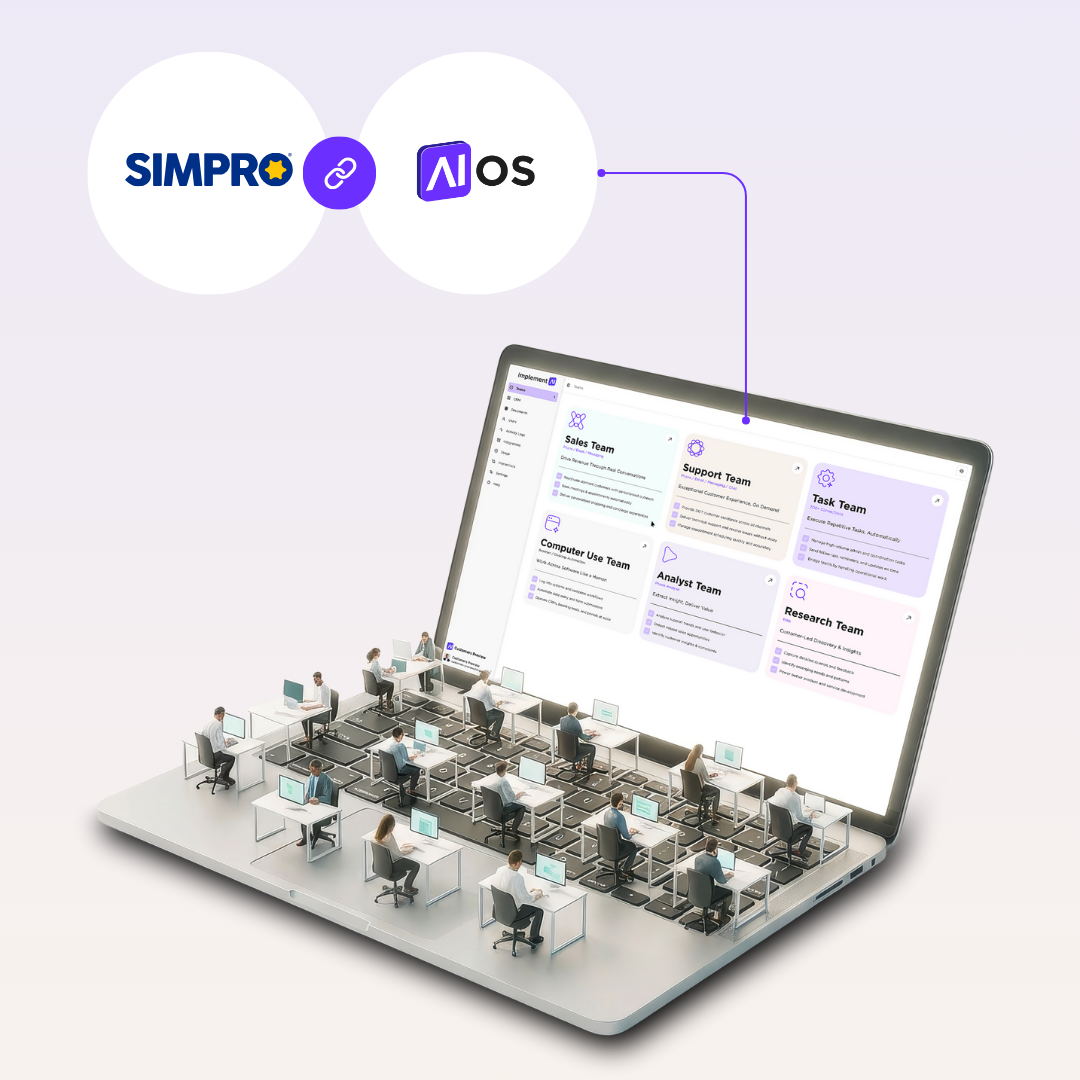
WHAT YOU CAN DO WITH AIOS FOR SIMPRO
AIOS connects to your Simpro system and deploys digital workers that perform operational tasks exactly as a human would — navigating screens, updating fields, generating quotes, scheduling jobs, raising purchase orders, creating invoices, and maintaining asset and customer data. They work across departments, keep data clean, and eliminate repetitive admin, so your team can focus on service delivery and revenue.
- Increase job throughput with automated job creation, updates, and follow-ups
- Reduce admin load by automating quoting, scheduling, and invoicing steps
- Improve accuracy with consistent data entry and compliance workflows
- Enhance service experience with rapid responses and proactive updates
POPULAR WORKFLOWS

Job Creation & Updates
Automatically create new jobs from inbound enquiries, update job statuses, add notes, assign cost centres, and maintain compliance fields.

Quoting & Estimate Preparation
Populate quotes with line items, calculate pricing rules, update labour/material costs, and send quotes for approval — all through Simpro’s UI.

Scheduling & Resourcing
Assign technicians based on skills, location, and availability. Update calendars, notify field staff, and adjust schedules when jobs change.

Invoicing & Financial Updates
Generate invoices, apply progress claims, send invoices to clients, and update financial data to keep job costing accurate and up to date.

Asset Management & Compliance Records
Update asset registers, enter test results, upload certificates, and flag overdue compliance tasks.

Customer & Supplier Admin
Create contacts, update customer details, maintain supplier records, and follow up on missing documents or approvals.
HOW IT WORKS
Step 1
Connect
Give AIOS secure access to your Simpro environment. Define which workflows the digital workers can operate and what actions require human approval.
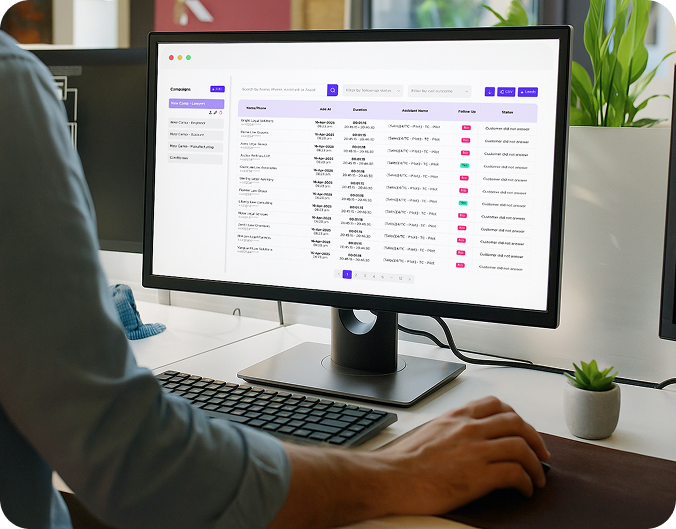
Step 2
Deploy your first agent
Choose an Advanced Agent to begin — e.g., Job Creation, Quoting Assistant, Scheduler. Set guardrails, data rules, and approval thresholds.
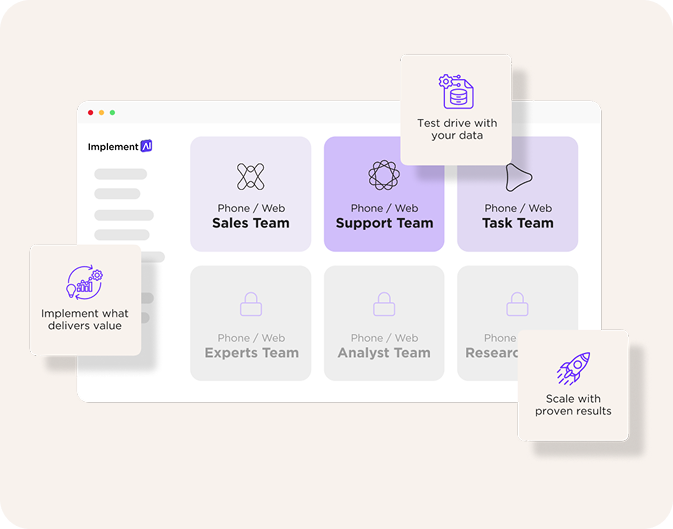
Step 3
Scale intelligently
Layer additional agents for scheduling, invoicing, compliance, analytics, or customer management. Add advanced orchestration or multi-system workflows as you go.

Prefer to validate first? Use the AIOS Pilot to prove value on one clean use case before full rollout.
AIOS AGENT TEAMS CAN
Create and update jobs end-to-end:
receive enquiry → create job → assign technician → update status → log notes
Build quotes:
retrieve historical rates → add materials/labour → apply margins → send for approval
Manage schedules:
allocate resources → adjust calendars → notify techs → log exceptions
Maintain asset records:
update test results → upload certificates → flag compliance issues
Handle invoicing steps:
raise invoices → send to clients → record payments → escalate overdue actions
Clean data:
validate missing fields (site address, cost centre, contract details) → correct errors → maintain consistency
FOR YOUR TEAM

REVENUE
Faster quoting, quicker job turnaround, accurate invoicing, and proactive follow-ups increase revenue without additional staff.

CAPACITY
Automate repetitive Simpro admin — job updates, scheduling changes, data entry, compliance updates — expanding capacity across operations.

EXPERIENCE
Consistent, timely updates for customers and smoother internal operations for field technicians and office staff.

DATA, PRIVACY & CONTROL
- Granular permissions:
Set allowed actions (read/update/create) and approval thresholds. - Human-in-the-loop:
Jobs, quotes, or invoices above a threshold are escalated to a manager. - Audit trail:
Every action, field edit, and workflow run is logged. - Data minimalisation:
AIOS only processes the minimum required fields for each workflow.
WHAT YOU’LL NEED
Active Simpro subscription
(Operations, Enterprise or similar)
Access permissions for workflows you want digital workers to operate
Optional: Connections to CRM, ERP, email, finance systems for end-to-end workflows
Time to value
Connect &
configure
~45–90 minutes
MINUTES
First Standard
Agent live
4-6
WEEKS (TYPICAL)
Multi-step orchestration
added
iteratively
AS VALUE COMPOUNDS